¶ Preparing the disks
Attach a new, blank disk to the appliance (virtual or physical). In the Volumes tab, click Disk wizard: it lists the blank disks (no partition, no partition table, no file system), creates one partition, formats it in XFS, mounts it under /media/<label> with a persistent entry and creates a brick directory ready for a volume. The disk is erased: the wizard asks for an explicit confirmation.
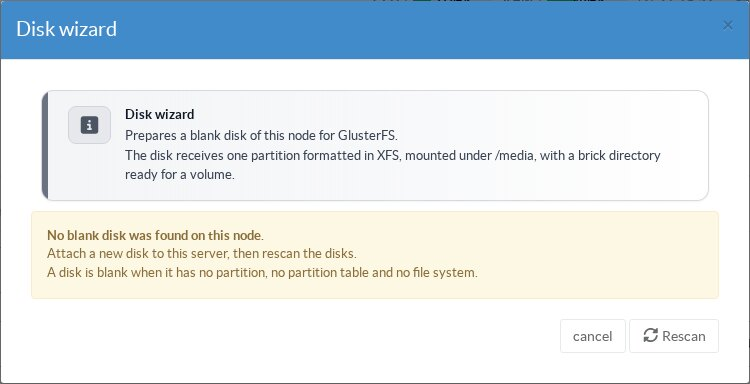
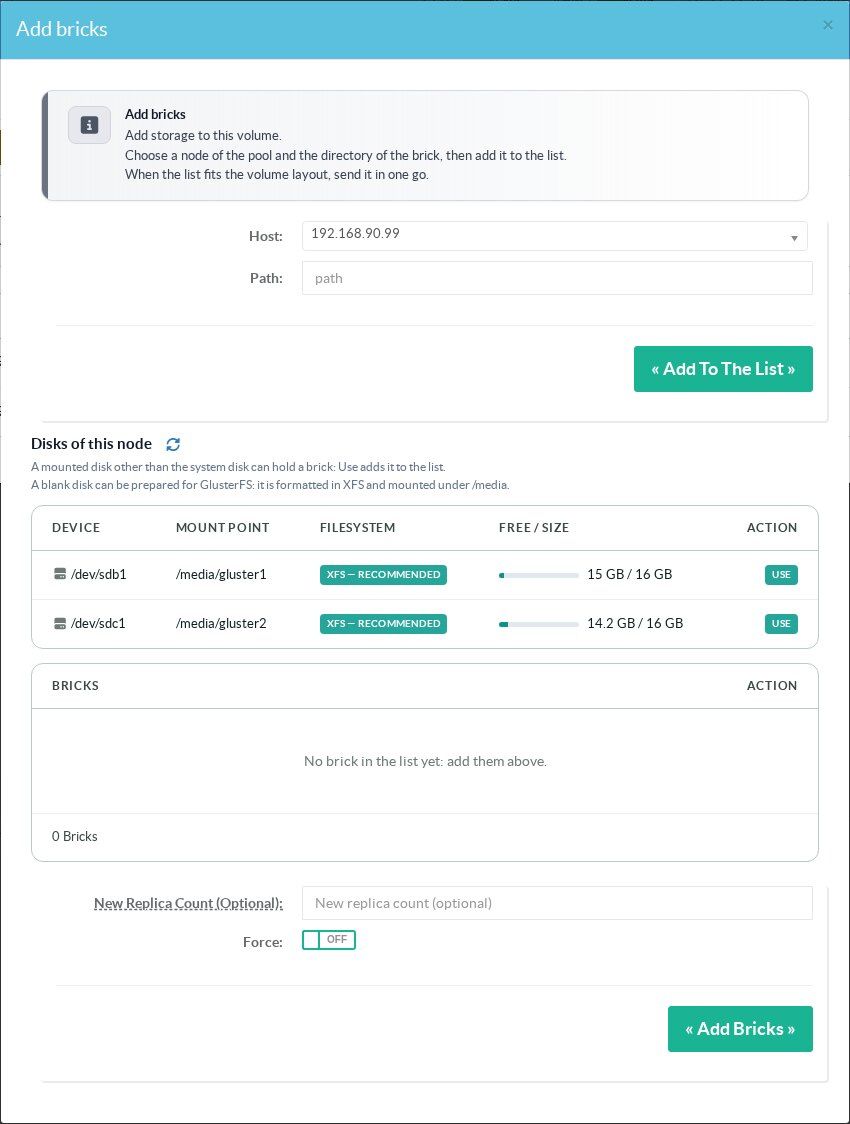
A disk already mounted outside the system disk, in XFS (recommended) or ext4, can also hold a brick: it is listed under Disks of this node in the volume wizards.
¶ Bricks of a volume
Click the name of a volume to open its management window.
The Bricks tab lists the bricks with their port, process, state and free space.
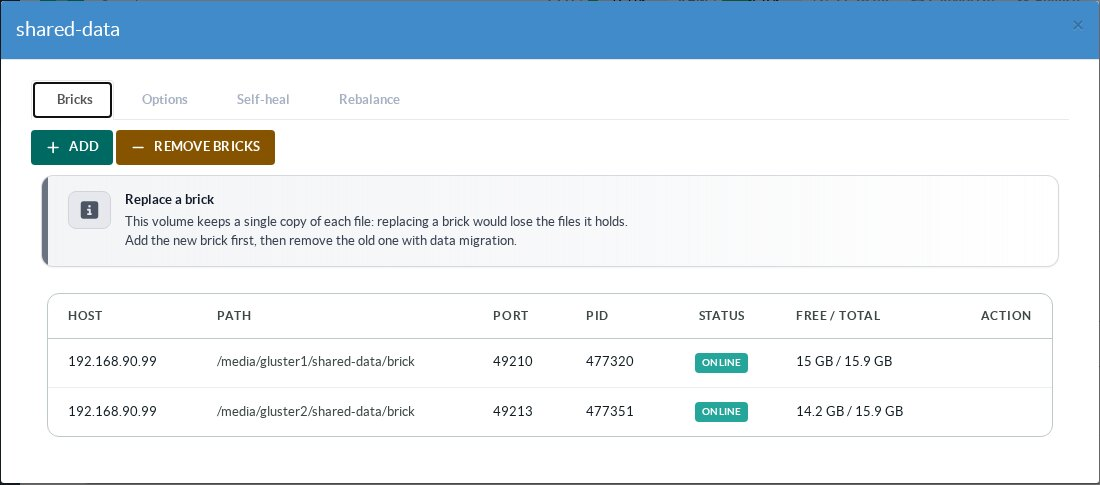
- Add: add bricks to the volume. Choose a node of the pool and a path, or click Use on a disk of this node; the bricks go into a list that you send in one go once it fits the layout of the volume (a multiple of the replica or disperse set). You can also raise the replica count, for example to turn a distributed volume into a replicated one.
- Remove bricks: a guided removal that first migrates the files of the bricks to the other bricks, shows the progress, and only then commits the removal.
- Replace (on replicated, arbiter and dispersed volumes): replace a dead or failing brick by a new one; the self-heal then fills it from the healthy copies. Artica refuses the operation when no healthy copy is online, when the old brick still holds unsynchronized writes, or when a file is in split-brain. On a distributed volume, add the new brick first, then remove the old one with migration.
¶ Self-heal
For replicated, arbiter and dispersed volumes, the Self-heal tab shows, for each brick, whether it is connected, the number of entries waiting to be healed and the number of entries in split-brain, and lets you start a heal immediately instead of waiting for the periodic one. A distributed volume has no redundancy to repair.
¶ Other pages of this guide
- Installation and activation
Requirements, installation, activation, firewall and client networks, backup, stopping and disabling GlusterFS on an Artica appliance. - Storage pool
Link Artica appliances into a GlusterFS storage pool, check their connection state and detach a node. - Volumes
Create a GlusterFS volume with the wizard, list volumes, change volume options and rebalance a volume after adding bricks. - Disks and bricks
Prepare XFS disks, add, remove and replace the bricks of a GlusterFS volume, and follow the self-heal. - Mounting volumes
Mount a GlusterFS volume on an Artica appliance with persistent mounts, backup volfile servers and mount options. - Encryption (TLS)
Encrypt GlusterFS management and data traffic with a pool certificate authority managed by Artica, and issue certificates for external clients. - Monitoring, alerts and troubleshooting
Usage charts, space, brick and self-heal alerts of GlusterFS volumes, and troubleshooting.