The firewall is a feature of Artica: it is not active on a new installation.
Enabling it adds the Your Firewall menu and builds a first, permissive rule set: nothing is blocked until you link interfaces and write rules.
¶ Enable the feature
- Go to Your system › Features (Install or uninstall features).
- Type firewall in the search field.
- On the Your Firewall line, click Install, then confirm with Yes, execute it.
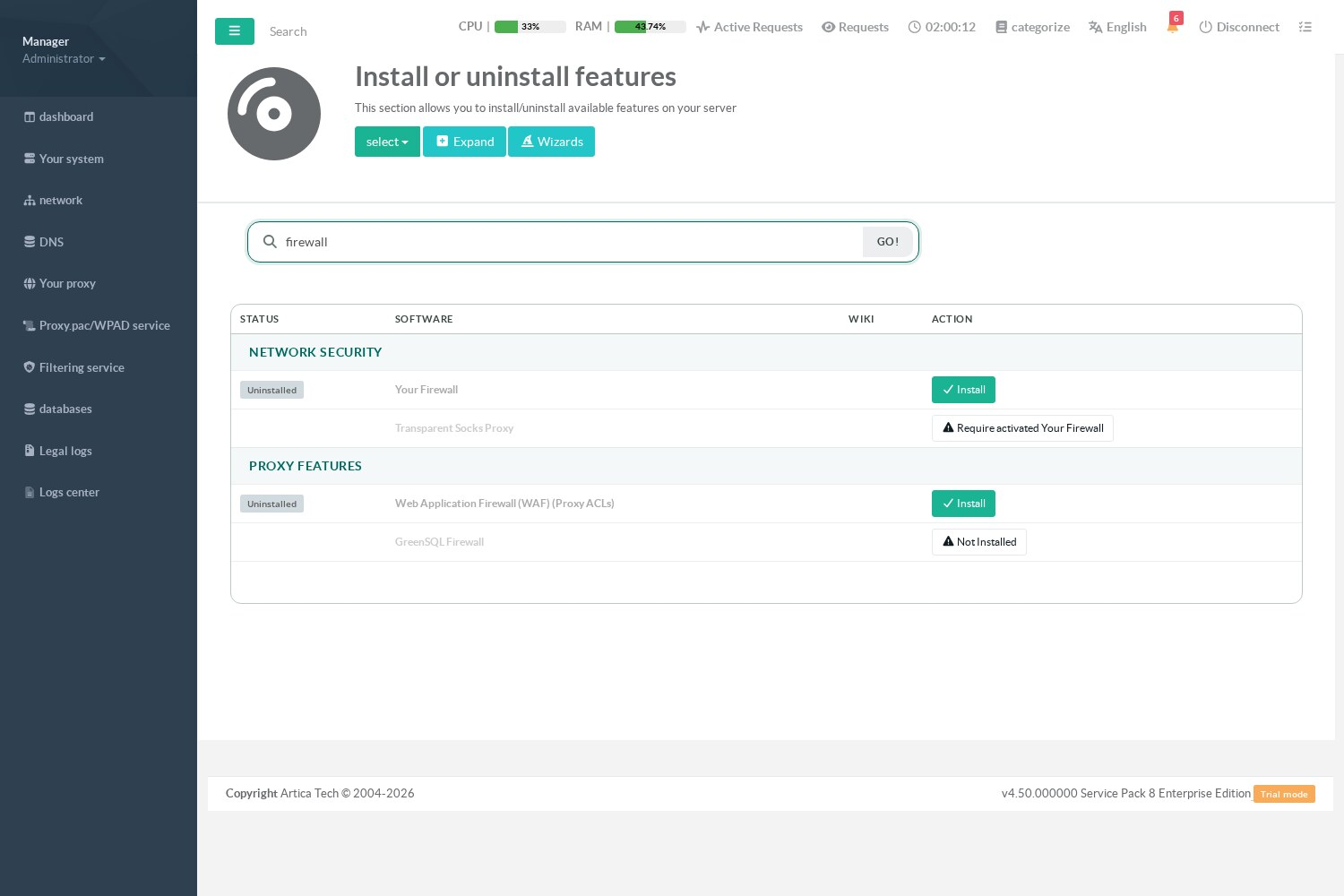
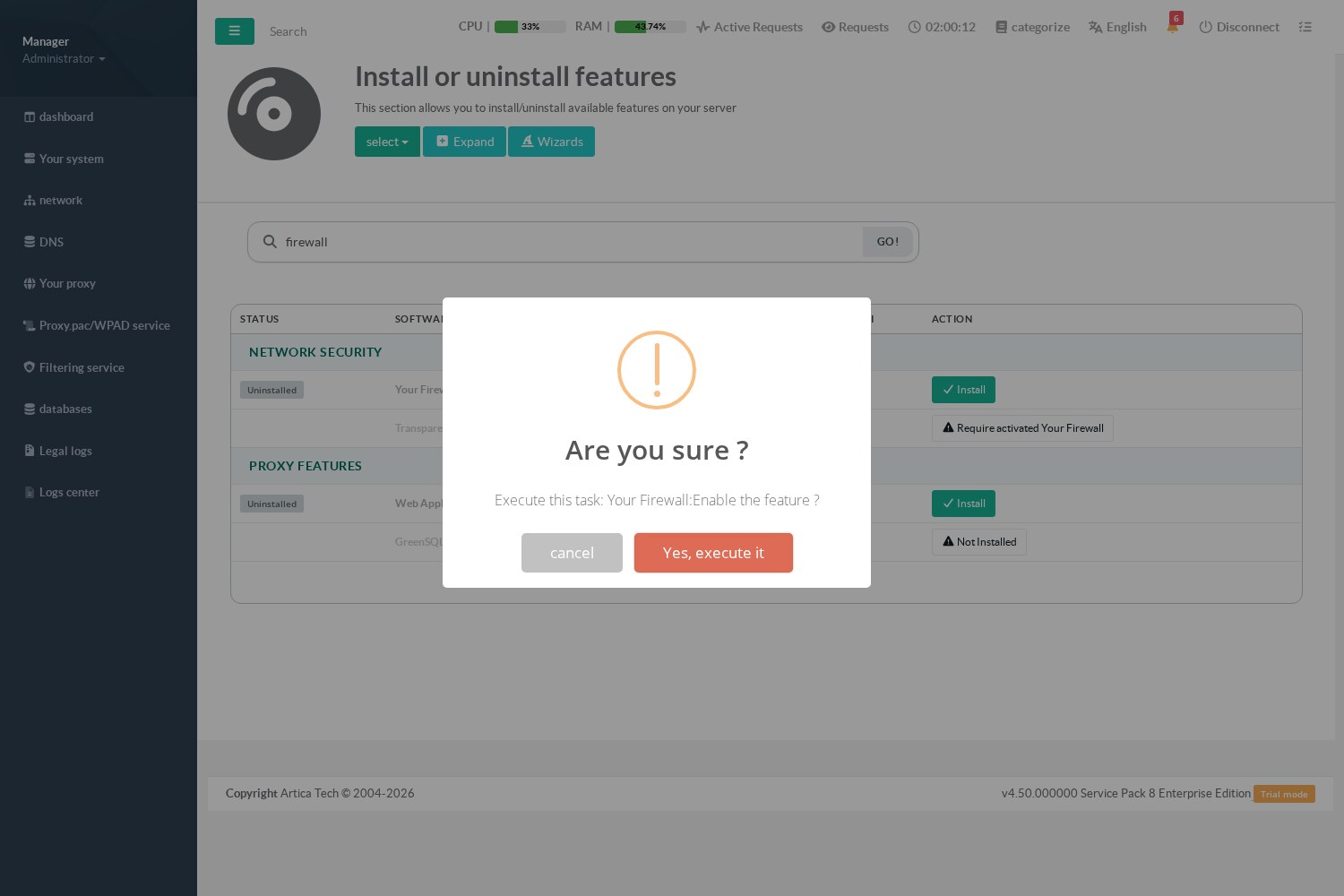
The firewall is enabled in a few seconds and the Your Firewall entry appears in the left menu.
¶ The Your Firewall menu
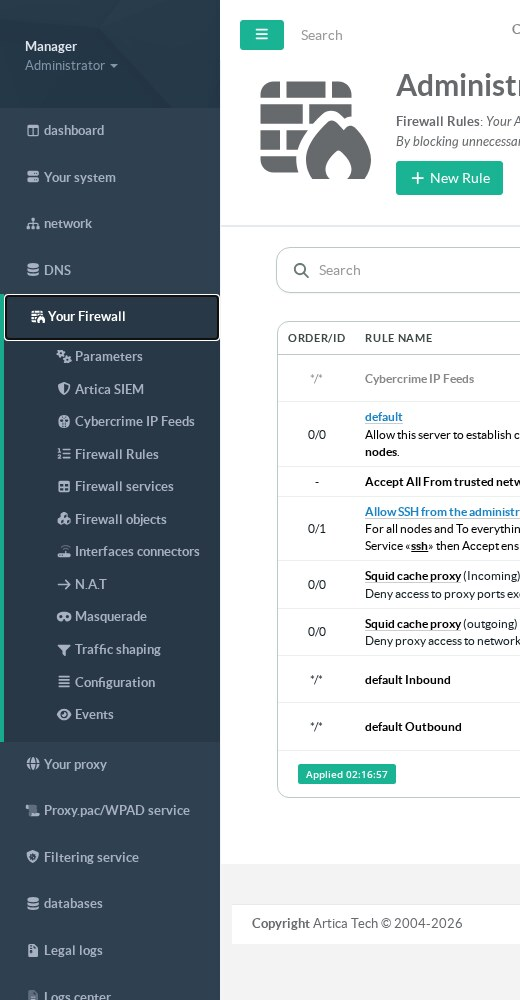
| Menu entry | Purpose |
|---|---|
| Parameters | Firewall status, interfaces linked to the firewall, global options, kernel modules. See Link your interfaces to the firewall. |
| Firewall rules | The rules table. See Firewall rules. |
| Firewall services | Protocols and ports used by the rules. See Firewall services. |
| Firewall objects | Address, network and country groups. See Firewall objects. |
| Interfaces connectors | Routed links between two interfaces. See Interface connectors. |
| N.A.T | Port forwarding and address translation. See Network address translation. |
| Masquerade | Internet access for a network behind an Artica address. See Masquerading. |
| Traffic shaping | Bandwidth limits. See Traffic shaping. |
| Configuration and Events | The applied rule set as text, and the firewall log. See Firewall events. |
The menu also shows Artica SIEM (send firewall events to Artica SIEM) and Cybercrime IP Feeds, and, when these features are installed, CrowdSec, DecisionIP and Transparent Socks Proxy.
The link balancer is in the network menu.
¶ What is active right after the installation
Right after the installation, the firewall only installs its base rules:
- the appliance can always reach its own services (loopback and Artica service ports);
- trusted networks are accepted;
- the interfaces follow the default line of the parameters page, which allows everything.
The next step is to link your interfaces to the firewall and choose their default policy.
¶ Disable the firewall
On Your Firewall › Parameters, the uninstall button removes the firewall rules and the menu. Your rules, NAT and masquerade entries are kept in the database: they come back if you enable the firewall again.