Traffic shaping limits the bandwidth of addresses or networks: for example, cap a guest network at 10 Mbit/s or keep a backup server from saturating the link during working hours.
¶ Requirements
- The firewall extension modules must be installed for your kernel (module
xt_ratelimit). The Modules tab of the parameters page tells you whether it is available. - At least one firewall rule must have the bandwidth limit enabled, in its options tab: the rule selects the traffic, the shaping entries give the rates. Without such a rule, New item answers you did not have any traffic shaping firewall rule enabled.
¶ Create a limit
- Create or open the firewall rule that selects the traffic (interface, direction, services, objects) and enable the bandwidth limit in its options tab, choosing whether the limit applies to the source or the destination address.
- Go to Your Firewall › Traffic shaping and click New item.
- Select the rule, enter the addresses or networks to limit and the rate.
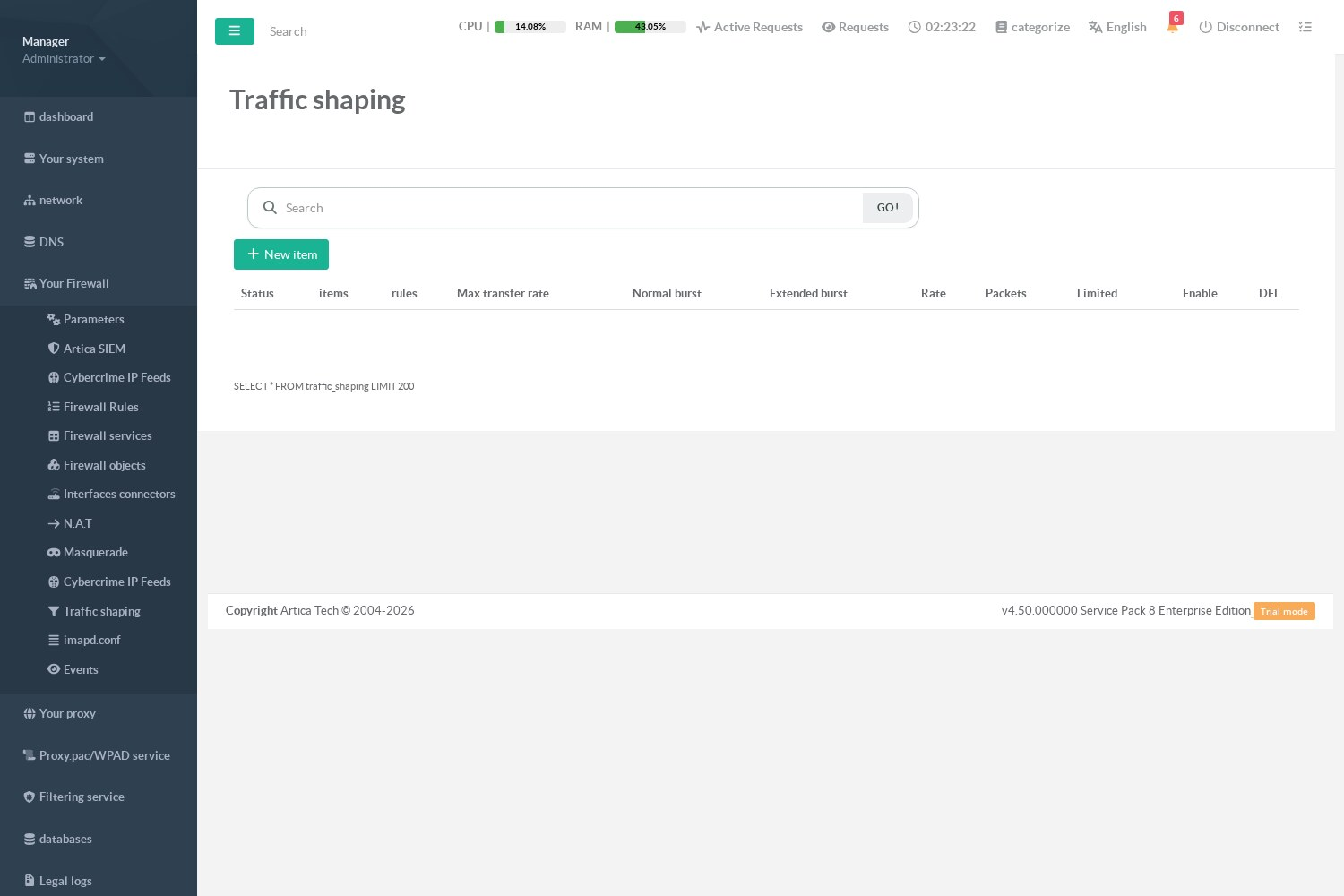
Each address or network is limited separately: two addresses of the same entry each get the full rate.
¶ How it is applied
- Rates are loaded into the kernel without rebuilding the firewall: adding, changing or disabling an entry takes effect immediately.
- Packets above the rate are dropped; TCP then slows down by itself.
- Only IPv4 addresses and networks are accepted.