A web target names one web application.
The user reaches it through a policy, like an RDP or SSH target.
¶ 1.
Create the target
Open RDP Proxy > Targets and click New target.
Choose Web application as protocol.
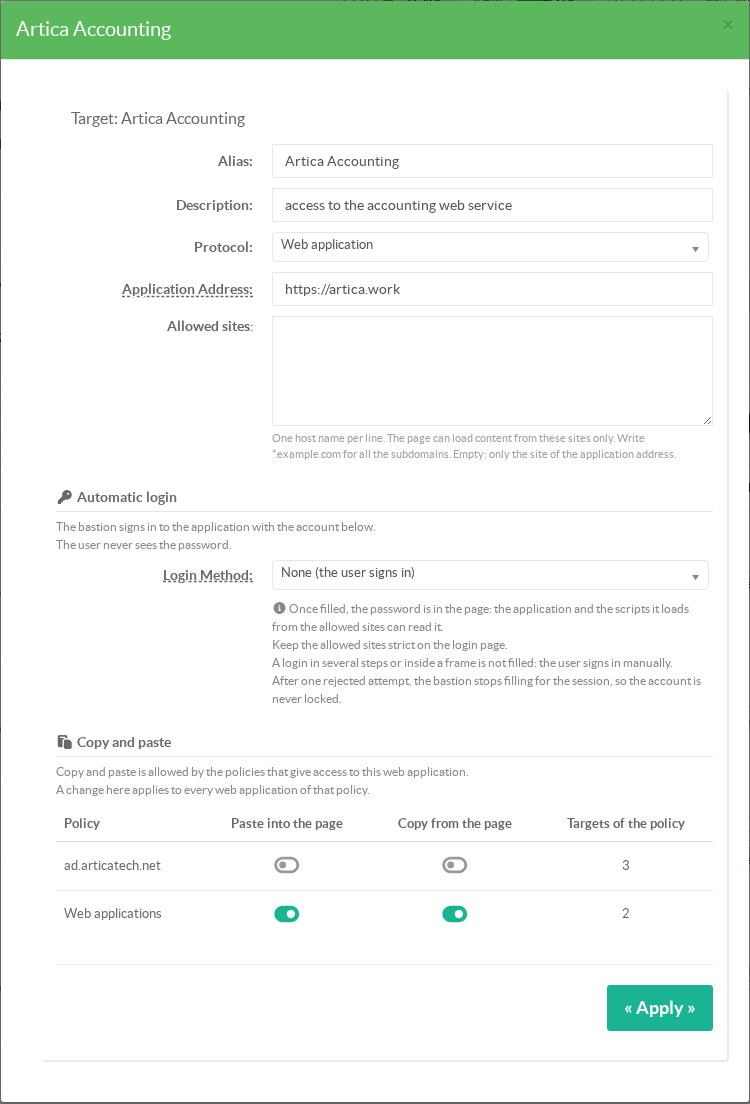
The allowed sites are optional.
| Field | Content |
|---|---|
| Alias | The name shown to the user in the list of applications. |
| Description | Shown next to the alias. |
| Application Address | The first page, https:// or http://.Example: https://artica.work. |
| Allowed sites | The sites the page can load content from, one per line. Empty: only the site of the application address. |
¶ Writing the allowed sites
| Entry | Matches |
|---|---|
erp.contoso.com | This host only, on any port |
erp.contoso.com:8443 | This host on port 8443 only |
*.contoso.com | Every subdomain of contoso.com, but not contoso.com itself |
Many applications load fonts, scripts or images from other hosts.
If a part of the page is missing, look for web_blocked events: they name each refused host once per session.
Add only the hosts the application needs.
Every allowed host can run scripts in the page.
¶ 2.
Link the target to a policy
Open the policy in Policies and add the target in its Targets tab.
The policy decides who can connect, from which networks, at which times, with or without second factor and video recording.
It also holds the copy and paste rights, the network namespace and the upstream proxy of its web targets.
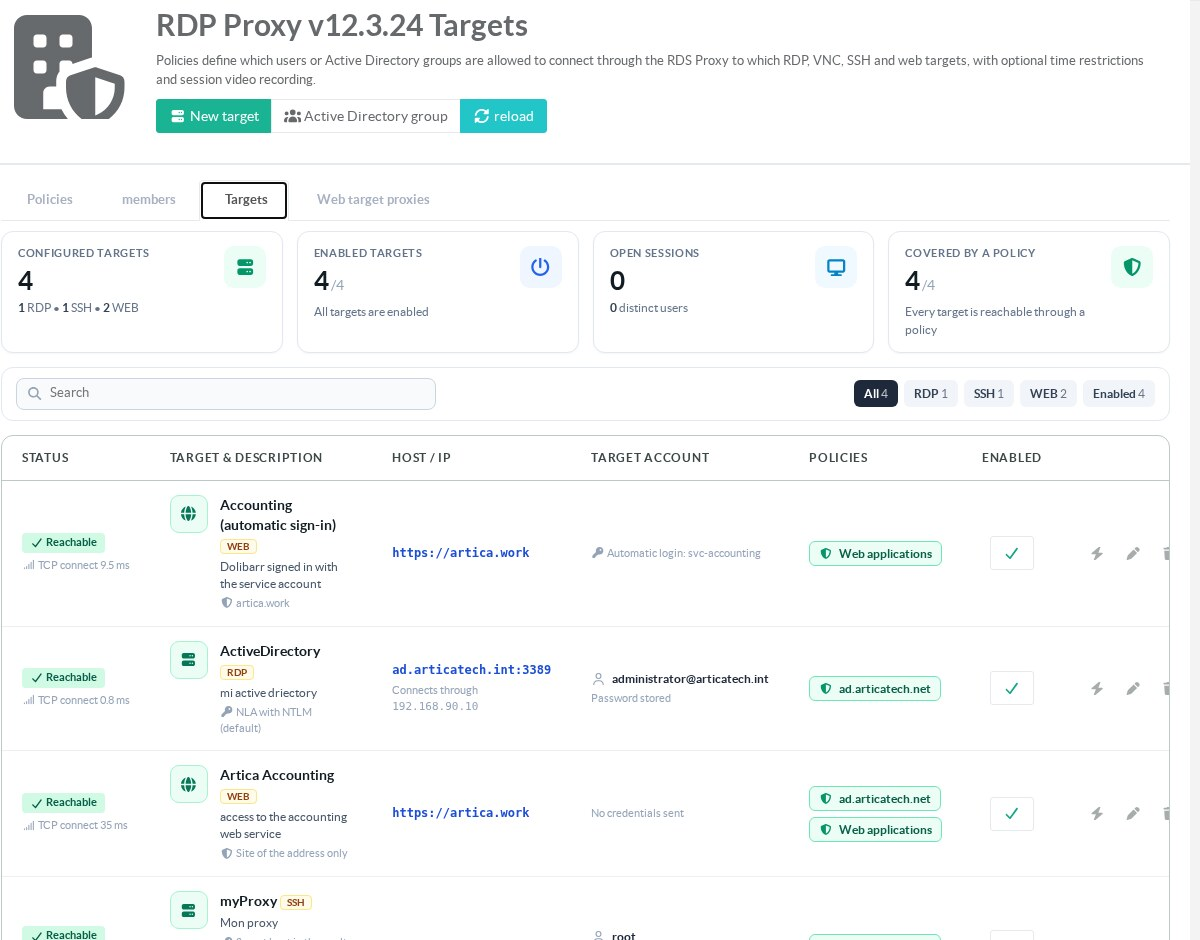
The Policies column shows which policies give access to each target.
¶ 3.
Connect
The user opens the Remote Desktop client (mstsc) and connects to the Artica appliance.
After the account, the second factor and the usage charter, the list of targets appears.
Web targets show WEB in the Protocol column.
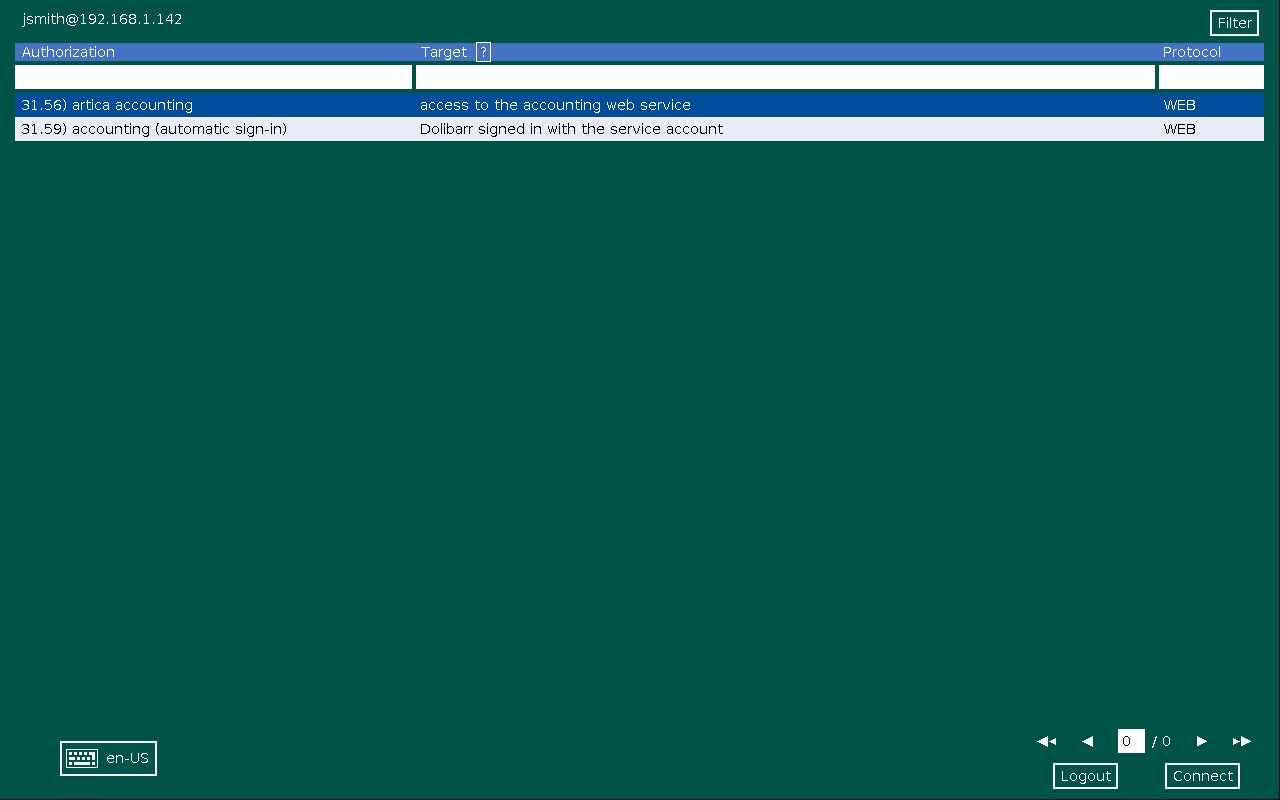
The application opens in the whole Remote Desktop window.
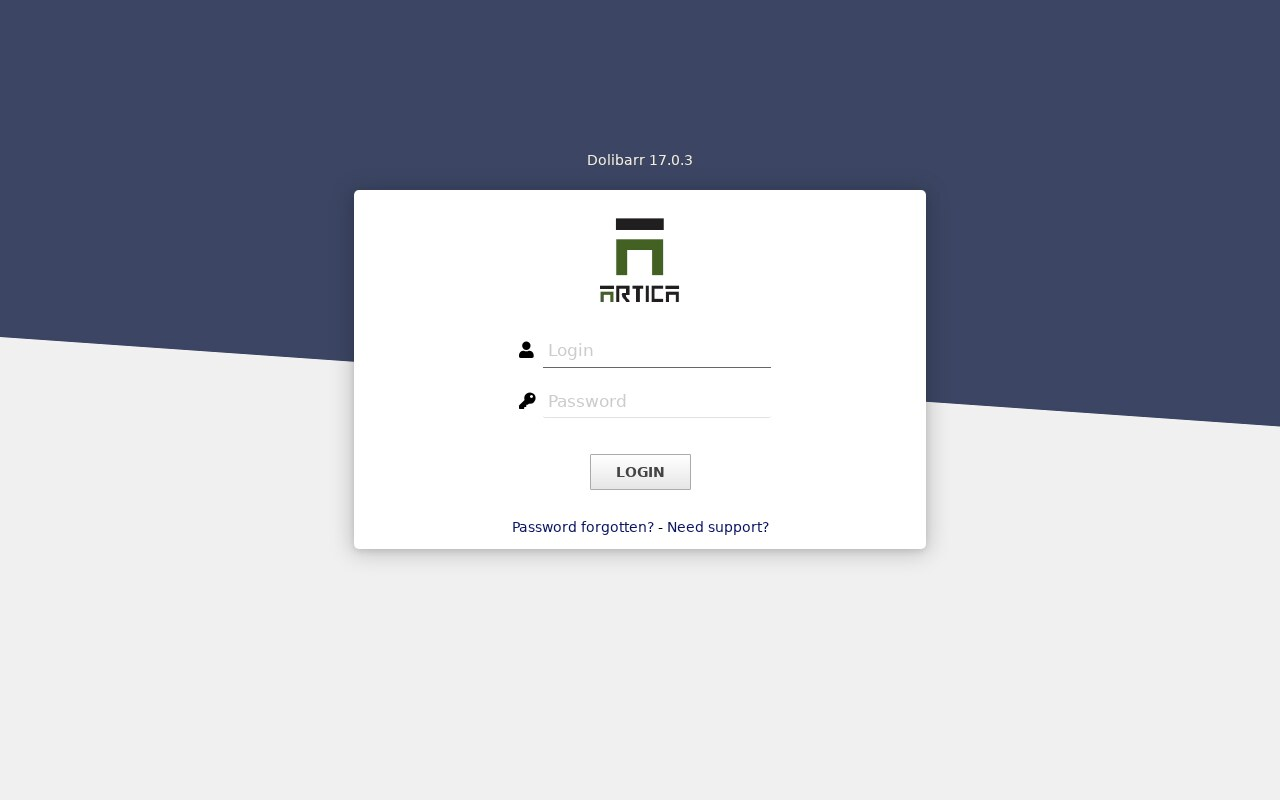
¶ What the user sees when a page is refused
When the application redirects to a site that is not allowed, the bastion shows a message instead of the page.
The message is in the language of the session, English or French.
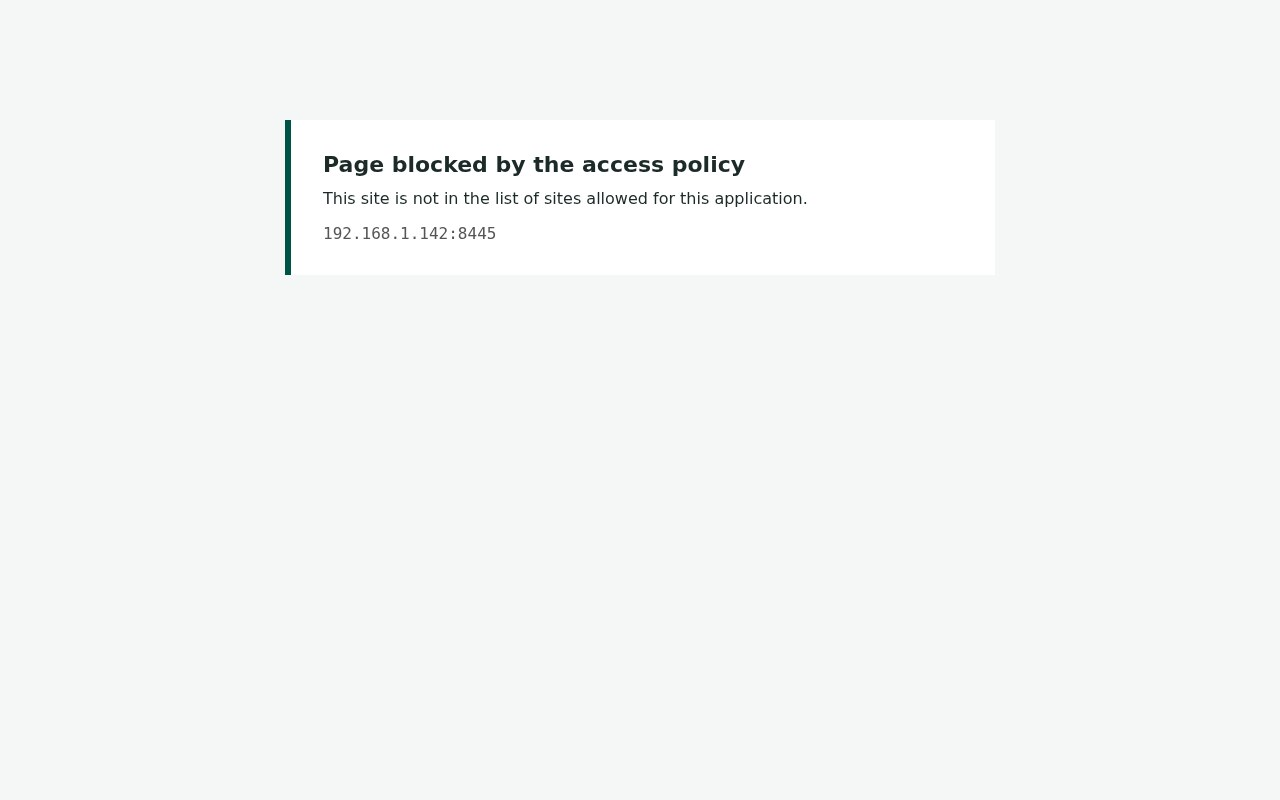
The event web_blocked is written at the same time.
A link that opens a new window is closed at once.
The user stays on the page, and the event web_popup is written.
¶ REST API
The targets are managed by the routes /rdpproxy/targets of the Artica REST API, with proto_dest set to WEB, plus web_url and web_allow.
See RDS Proxy REST API.