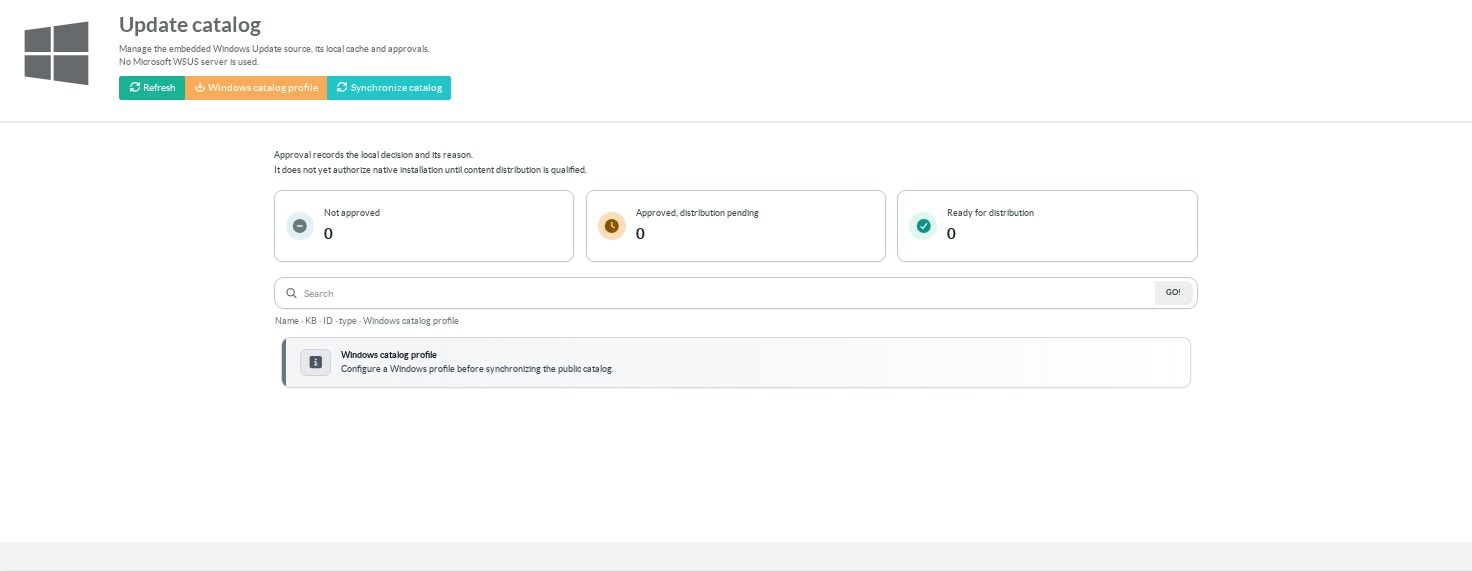
Open Update catalog.
Select the Windows profiles before the first synchronization.
Click Synchronize catalog for a manual import.
¶ Synchronization scope
Artica queries the public Microsoft client update service for each selected profile.
It does not synchronize with a Microsoft WSUS server.
The imported subset is experimental and is not a complete Microsoft update catalogue.
A profile records the build, architecture, SKU, branch and locale used for the query.
Only one synchronization runs at a time.
Changing the configuration or disabling the service cancels the current acquisition.
When several profiles are selected, the same update can appear separately for each profile.
¶ Read the states
| State | Meaning |
|---|---|
| Not approved | No active local approval for this profile and update revision. |
| Approved, distribution pending | The administrator has recorded an approval. Native distribution is still pending qualification. |
| Ready for distribution | A separate readiness state. The current implementation does not mark native approvals ready. |
The approval revision belongs to a particular profile and update.
Approving an update for one profile does not approve it for another.
¶ Record a decision
- Search by title, KB, ID, type or profile.
- Open the update details and confirm the profile and revision.
- Approve or revoke the update and enter the reason.
- Apply the change and verify the displayed decision.
A revision conflict means the record changed after the form was opened.
Reload it before making another decision.
Revocation retains the audit history.
¶ What approval does not do
Catalogue approval and content approval are separate controls.
A catalogue decision does not create a file manifest entry.
It does not prove that a client downloaded or installed an update.
An empty catalogue or a successful empty scan must not be used as a compliance report.