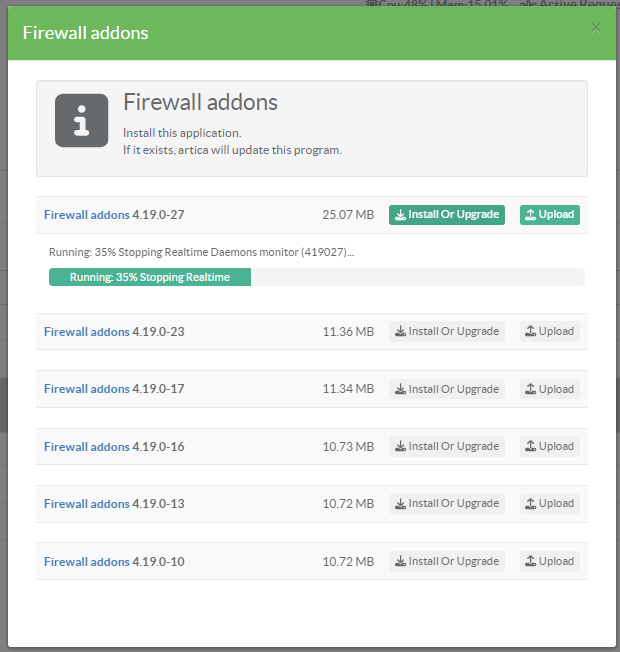
The deep packet inspection module is closely linked to the kernel.
Artica's teams are in charge of producing packages according to the Linux kernel you have.
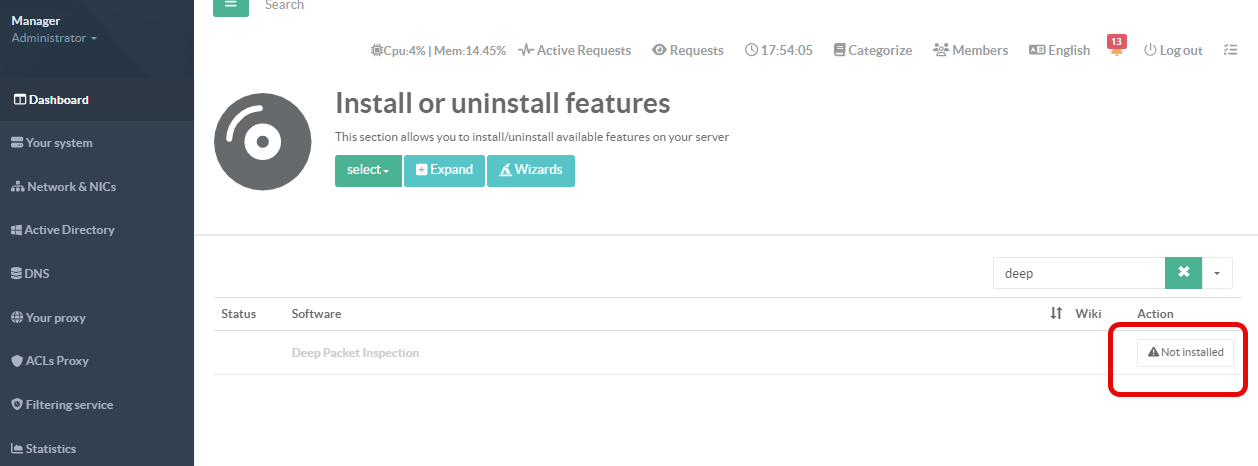
¶ Install/Upgrade the kernel module
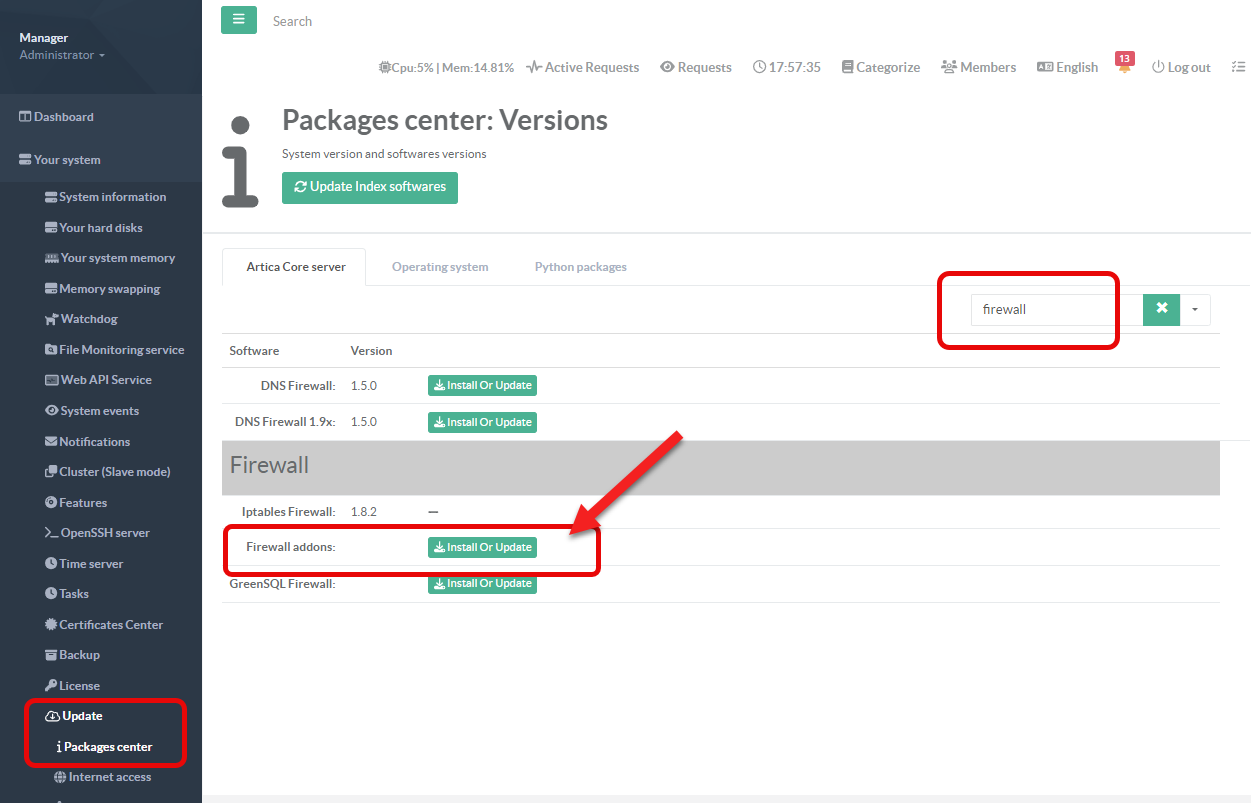
- On the left menu, go to
Your system > Update > Packages center - In the search field, type firewall
- Click the Install or Upgrade button under the Firewall addons row
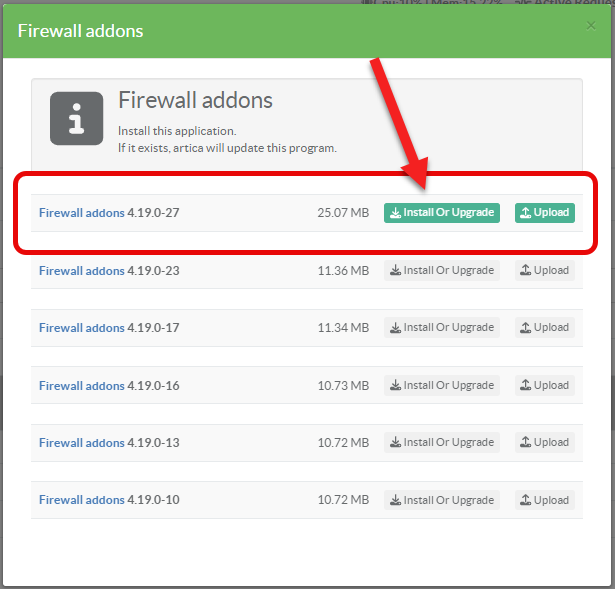
- The screen displays a list of available modules, allowing you to choose the one that corresponds to your kernel (others will be grayed out and cannot be updated).
- Click the Install or Upgrade button.
- The new package will be downloaded and installed.